A Whisper Security demonstration
kaveh.ong
You probably meant kaveh.org.
This domain is real, and so is kaveh.org. They sit two squares of ink apart.
A QR code is a printed instruction you cannot read with your eyes. A QR printed for kaveh.org can be turned into one that scans as kaveh.ong by adding two small squares of ink, while the un-edited code still scans as kaveh.org. The two names do not need to look alike, because nobody reads a QR code by eye. What matters is how close the printed patterns are, and these two are very close.
I bought kaveh.ong to show it. It is a working example of a method we call QR-Inking.
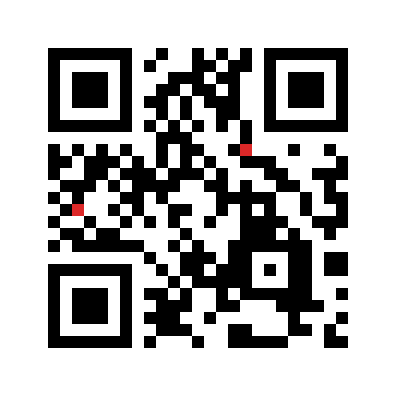
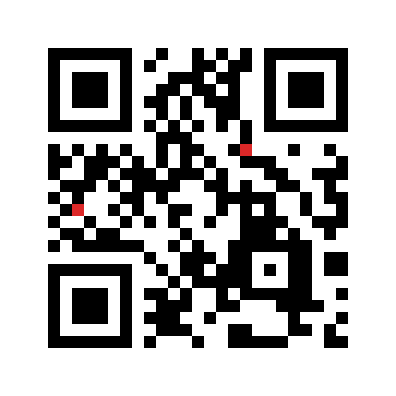
Same symbol, two modules apart. A phone cannot tell you which one it is about to open.
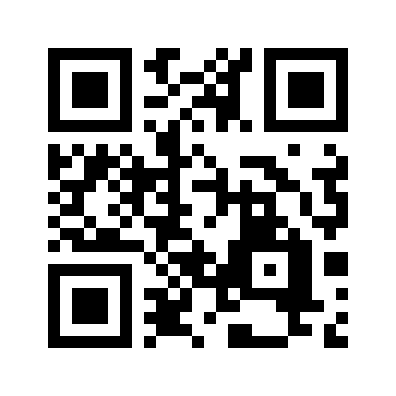 or scan this, it goes to the real one.
What is QR-Inking? A printed QR code is a trust channel: you point a camera and act on whatever host it opens. A code can be printed so that it decodes to a legitimate host and sits one directed ink-edit from a different, same-length host, while the un-edited code still scans as the legitimate one. The sharpest version of this is between real top-level domains, which is where kaveh.ong comes from. The research, with the detection that comes with it, is from Whisper Security.